
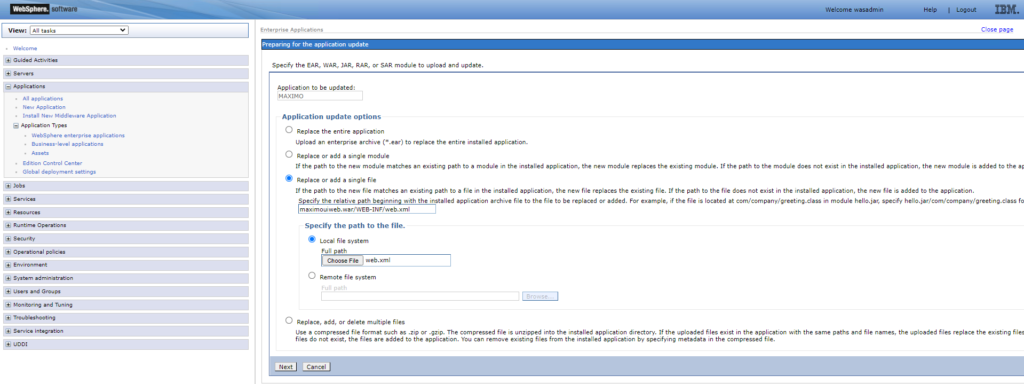
How to redeploy a single file in Maximo?
Most Maximo settings or Java code can be deployed by copy/paste the file directly to the installed folder in Websphere
Most Maximo settings or Java code can be deployed by copy/paste the file directly to the installed folder in Websphere

This post describes the simplest approach on how to post HTTP request from Maximo Automation Script using a HTTP End Point
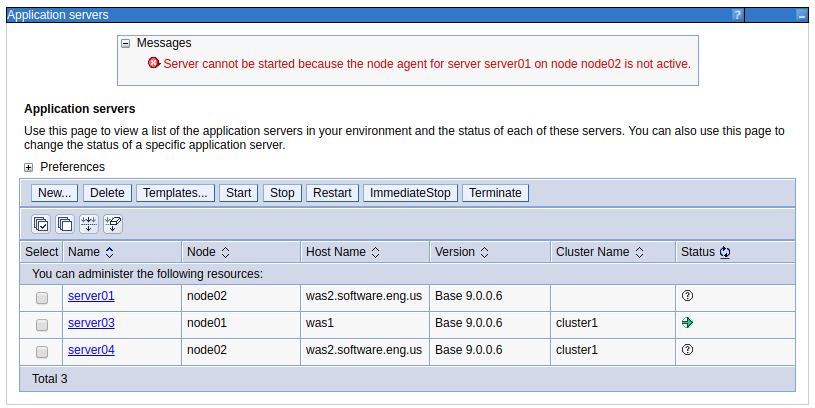
Just to document a weird issue I had today. I was attempting to configure LDAP (Microsoft AD) for Maximo/Websphere. After
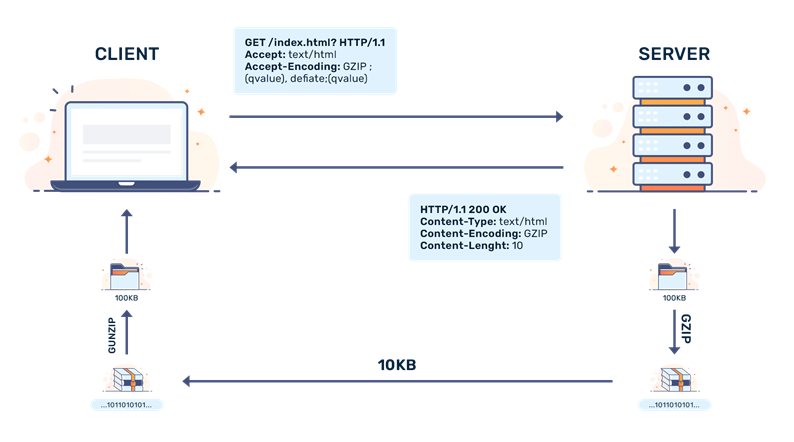
To enable HTTP compression for Maximo, follow the steps below:

I needed to send an external system a file import request. The external system would take some time to process
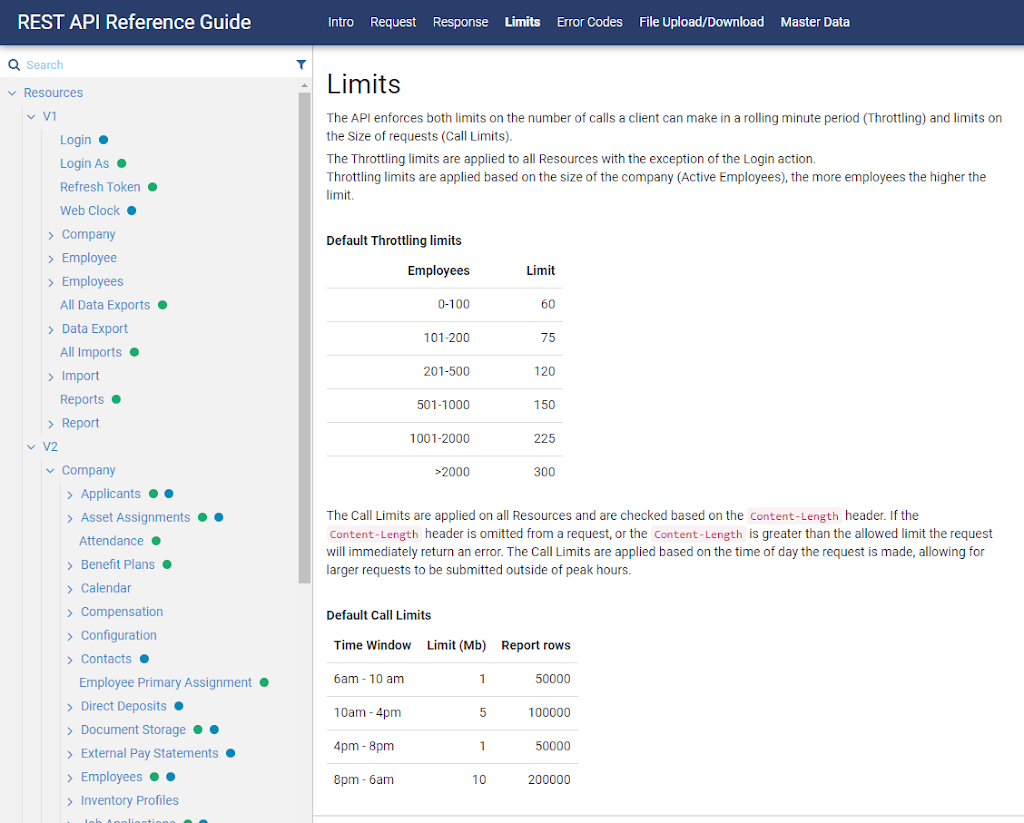
For integration with Kronos, I would look at the Report API and the Import API first. I will only go for the REST API if they cannot do what I want

In WebMethods, the most basic way to write a string “IN” operator is to use Branch as follows: Another way

I often have to troubleshoot the issue of integration messages not getting processed. Most of the time, I got it
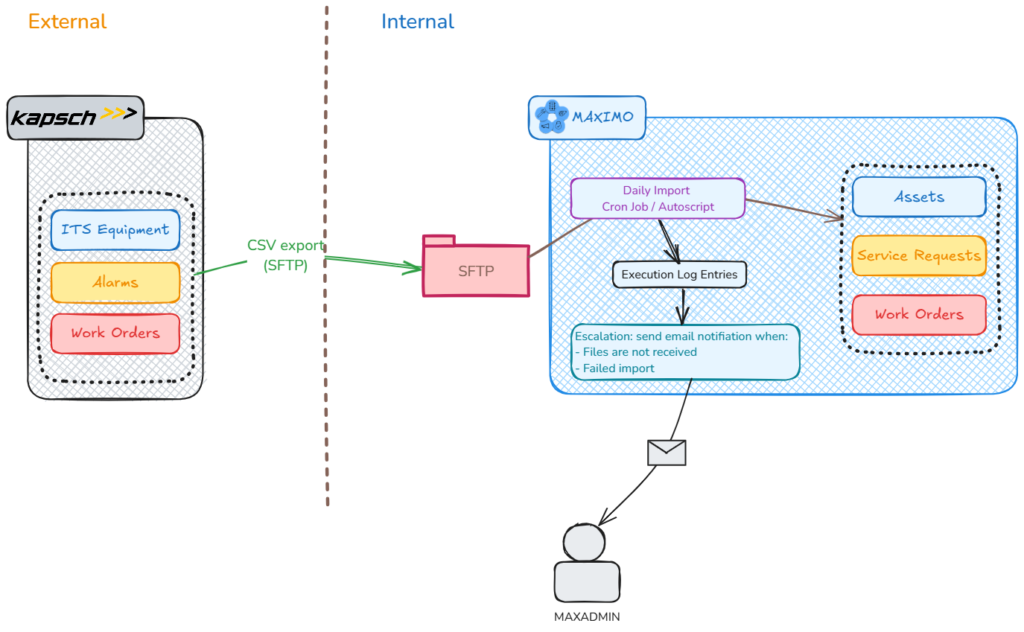
Introduction When building an application, we are in total control of the quality of the product. With integration, many elements